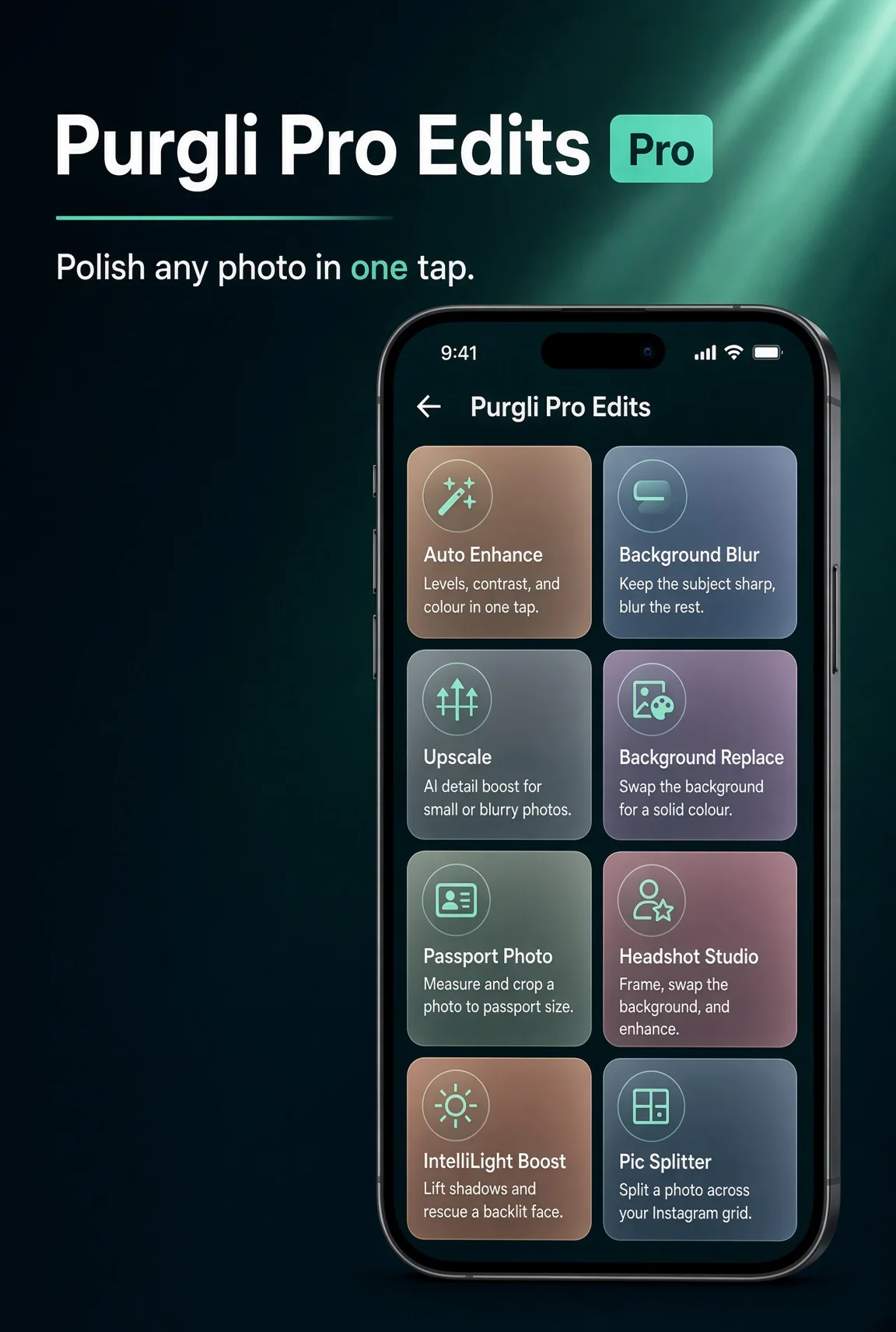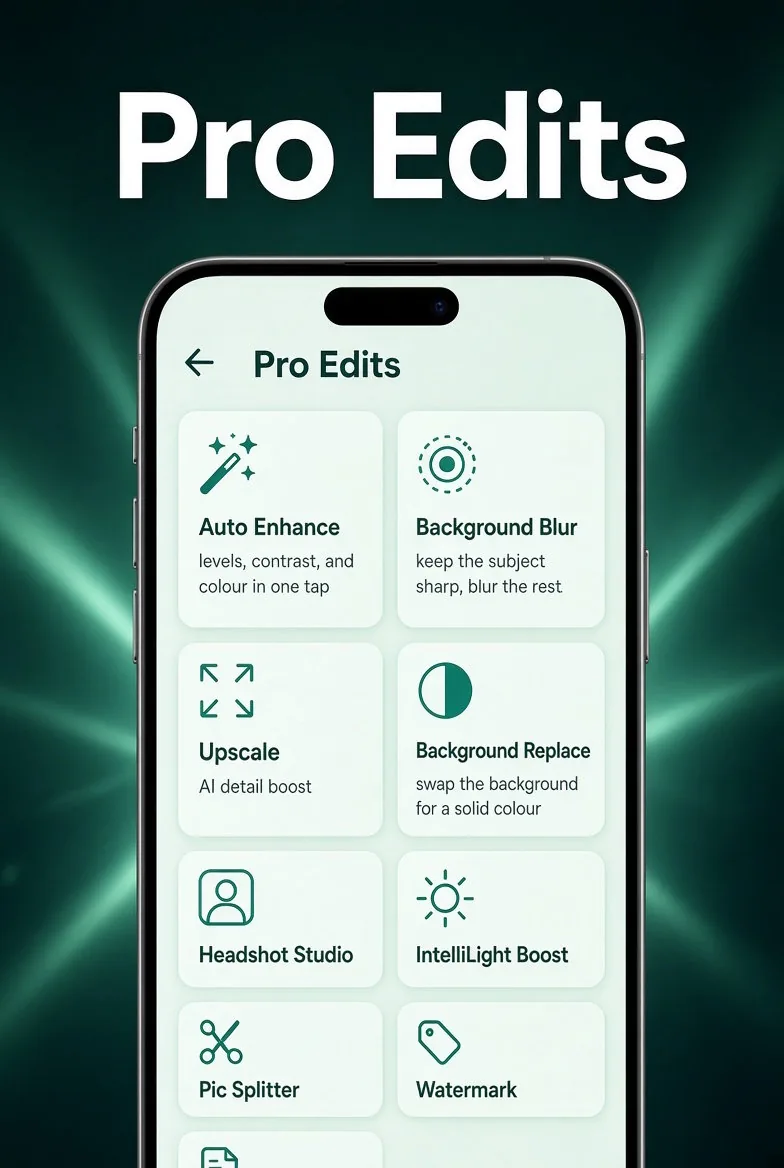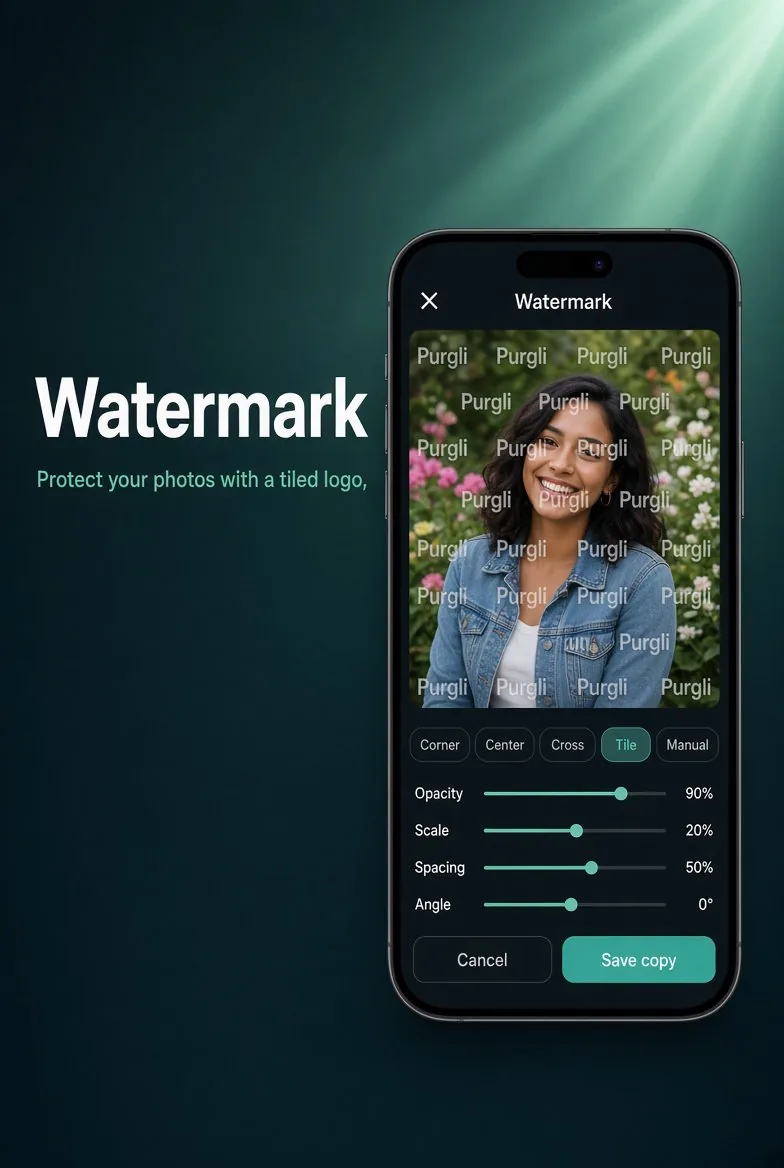
Pro
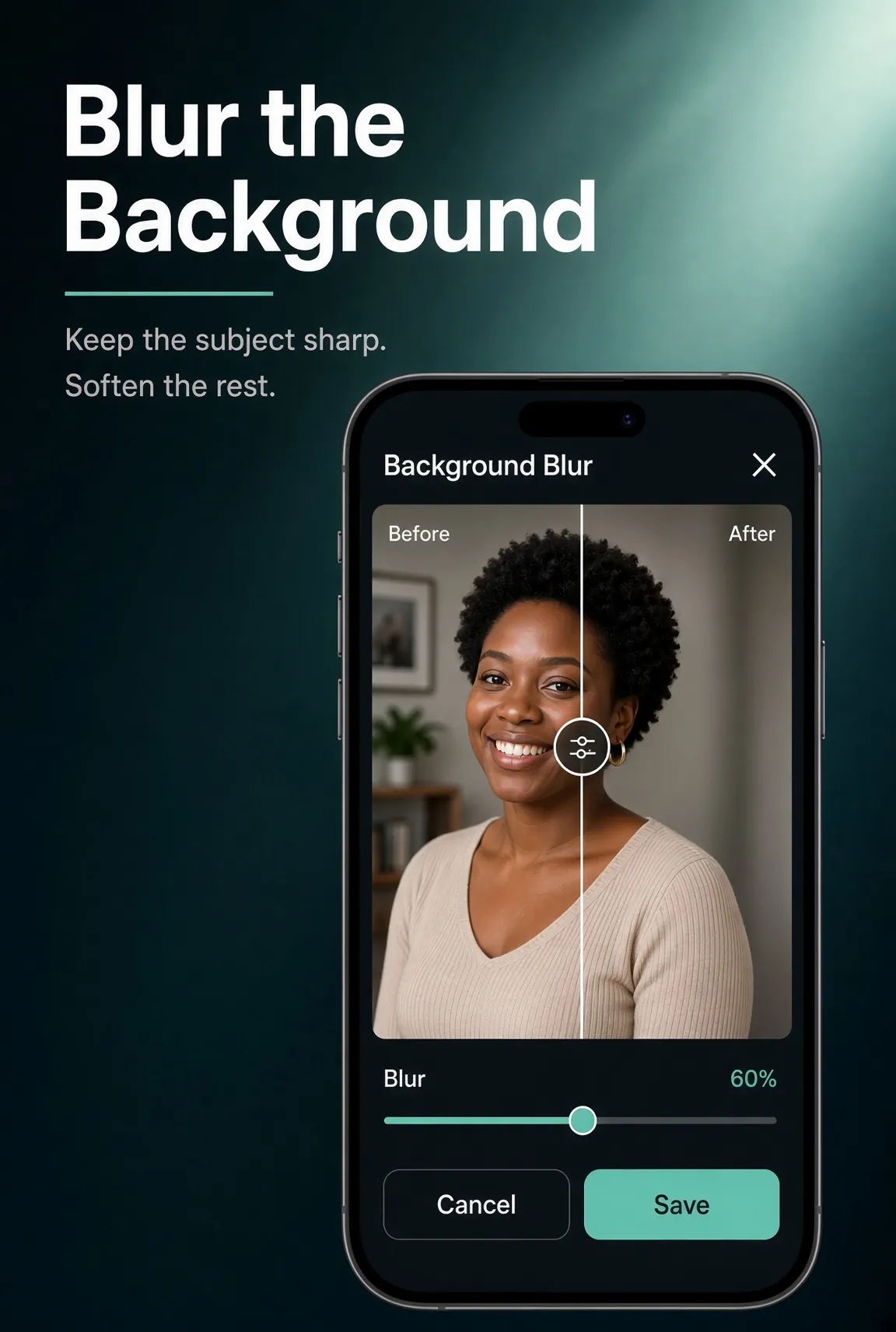
Blur the Background
Soften what is behind your subject for a portrait-style shot.
In the app·Home → Pro Edits → Background Blur
How it works
On this device. In a few taps.
Keep the subject sharp and soften the rest. Adjust blur strength, preview, and save a new copy.
Try Blur the Background on your phone
Blur the Background runs entirely on your device — no document or photo ever leaves your phone.
Download Purgli