Pro
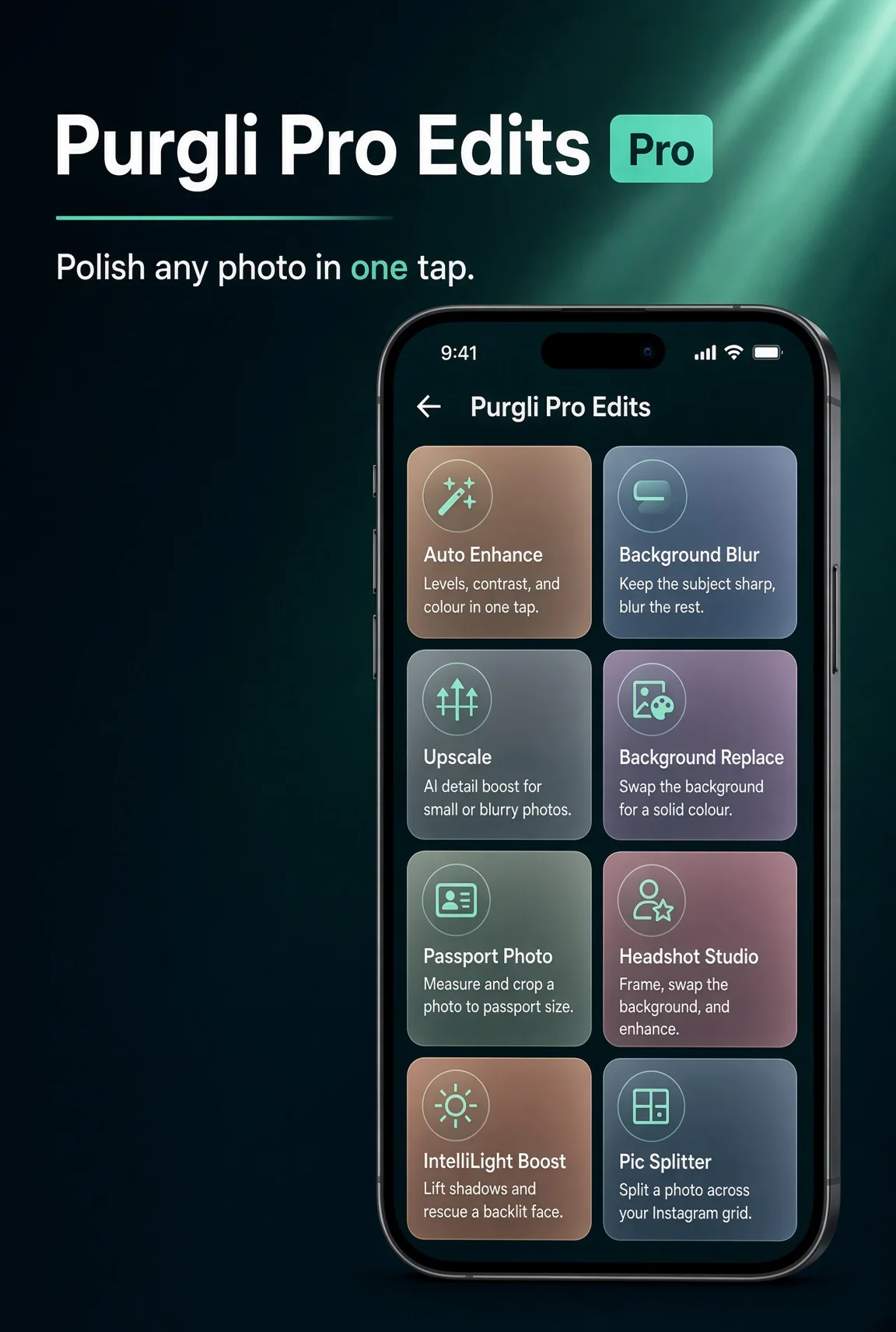
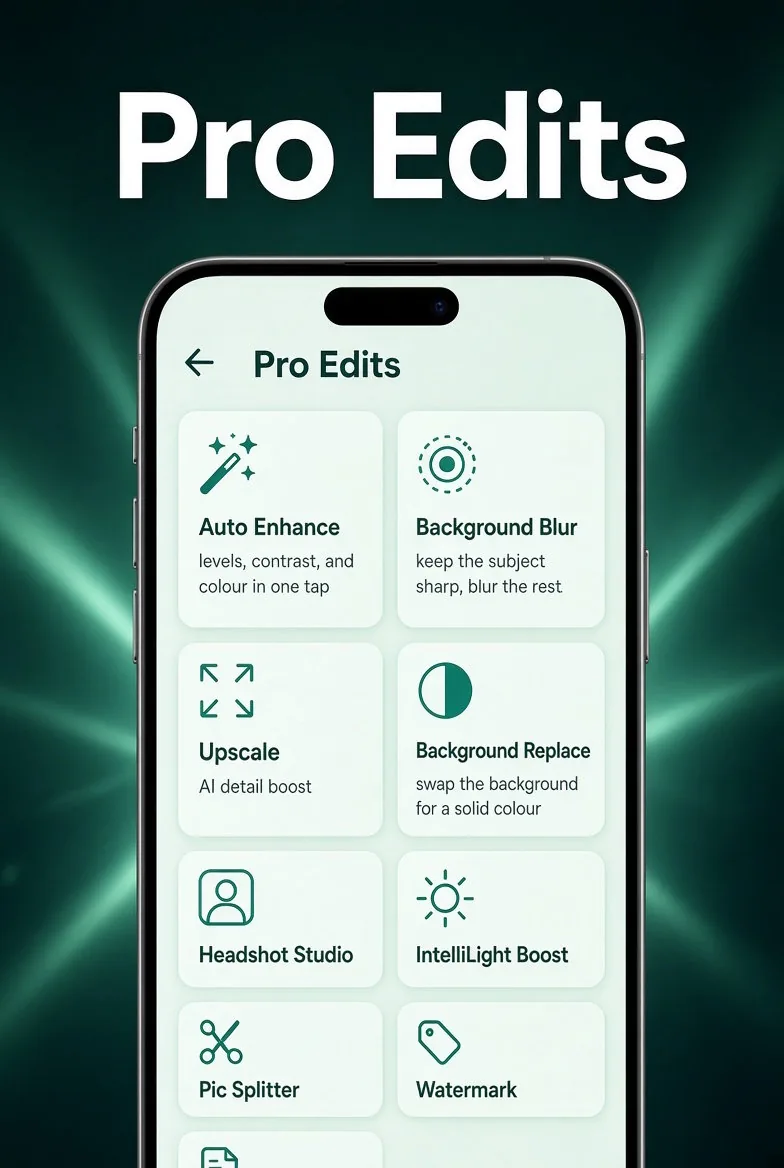
Swap Any Background
Drop in a new backdrop without touching the subject.
In the app·Home → Pro Edits → Background Replace
How it works
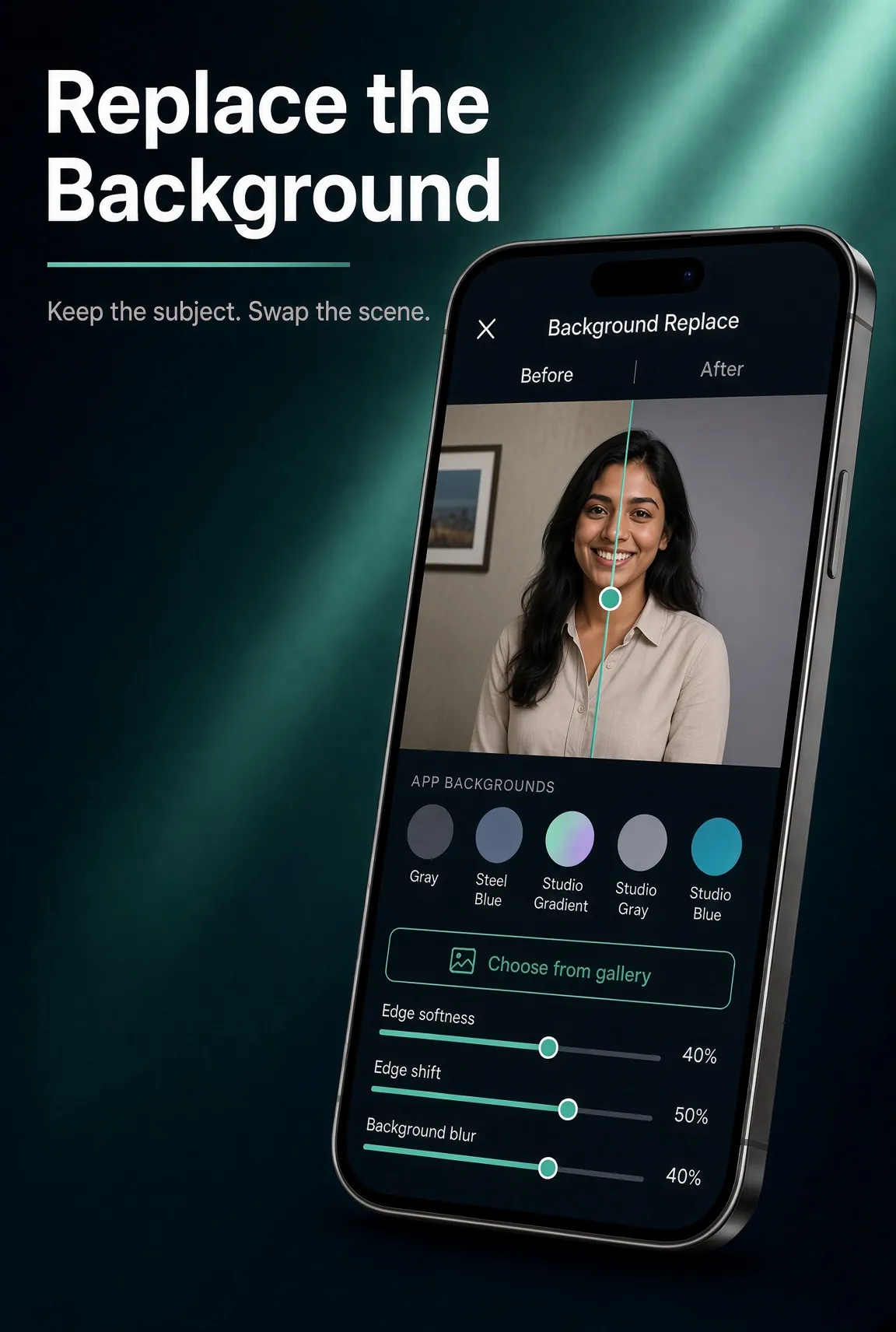
On this device. In a few taps.
Purgli separates the subject on-device and lets you drop in a new backdrop. Preview, then save a new copy — the original stays untouched.
Try Swap Any Background on your phone
Swap Any Background runs entirely on your device — no document or photo ever leaves your phone.
Download Purgli