
Clutter at a Glance
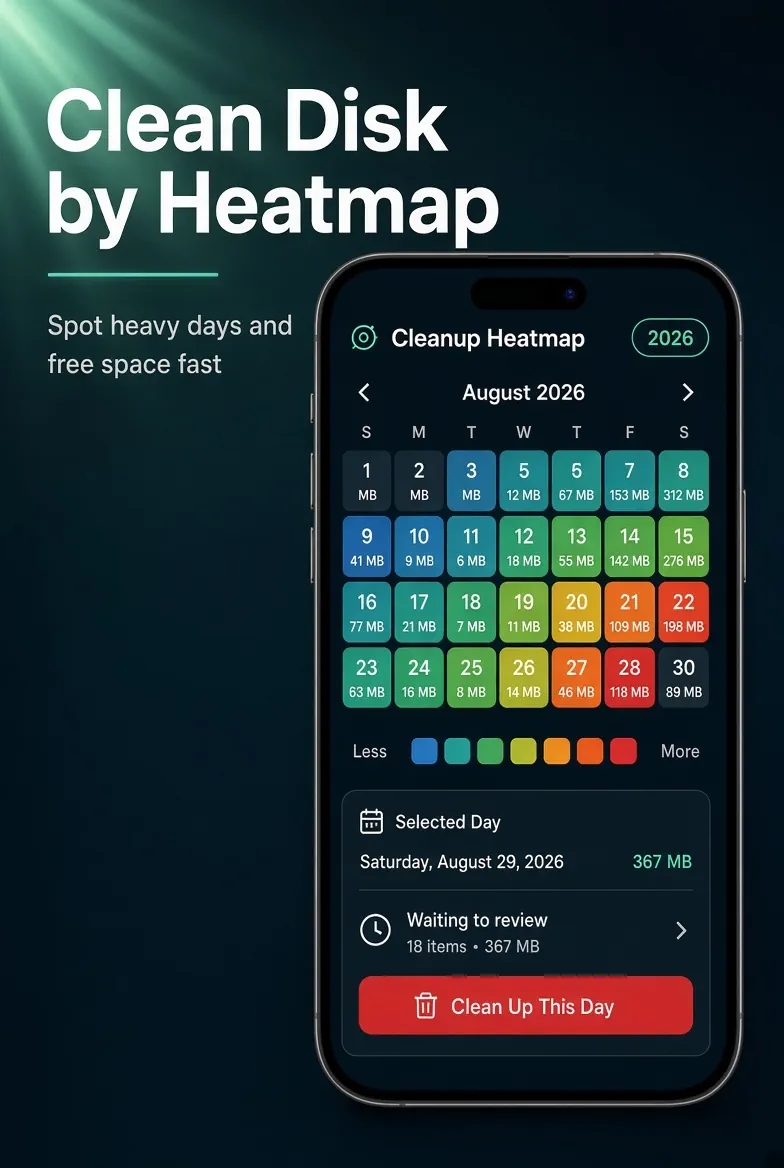
See which months piled up the most clutter, then clean by date.
In the app·Smart Review → Cleanup by Month
 Coming soon on theApp Store
Walkthrough
Find the heaviest days. Clean by date.
Year chips, a color calendar, then keep the best shot from that day's clutter — all on this phone.
Open Cleanup by Month
On Smart Review, tap Cleanup by Month — "See which days free the most space." You need a scan first; with no cleanup candidates the heatmap stays empty.
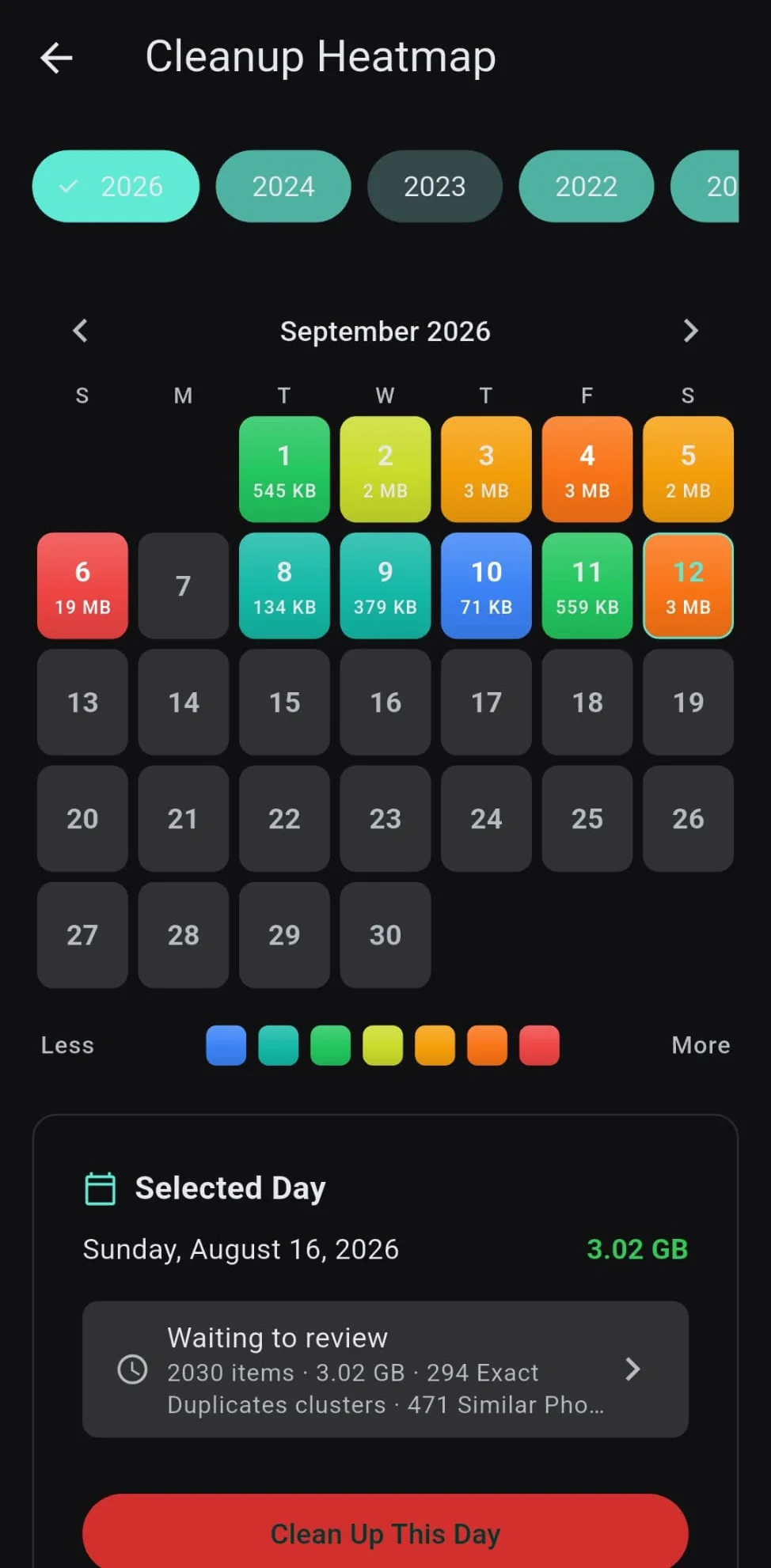
Pick a year and a hot day
Year chips sit across the top. The calendar colors each day from less to more reclaimable space. Tap a day, then Clean Up This Day — hotter (redder) days are where cleanup pays off first.
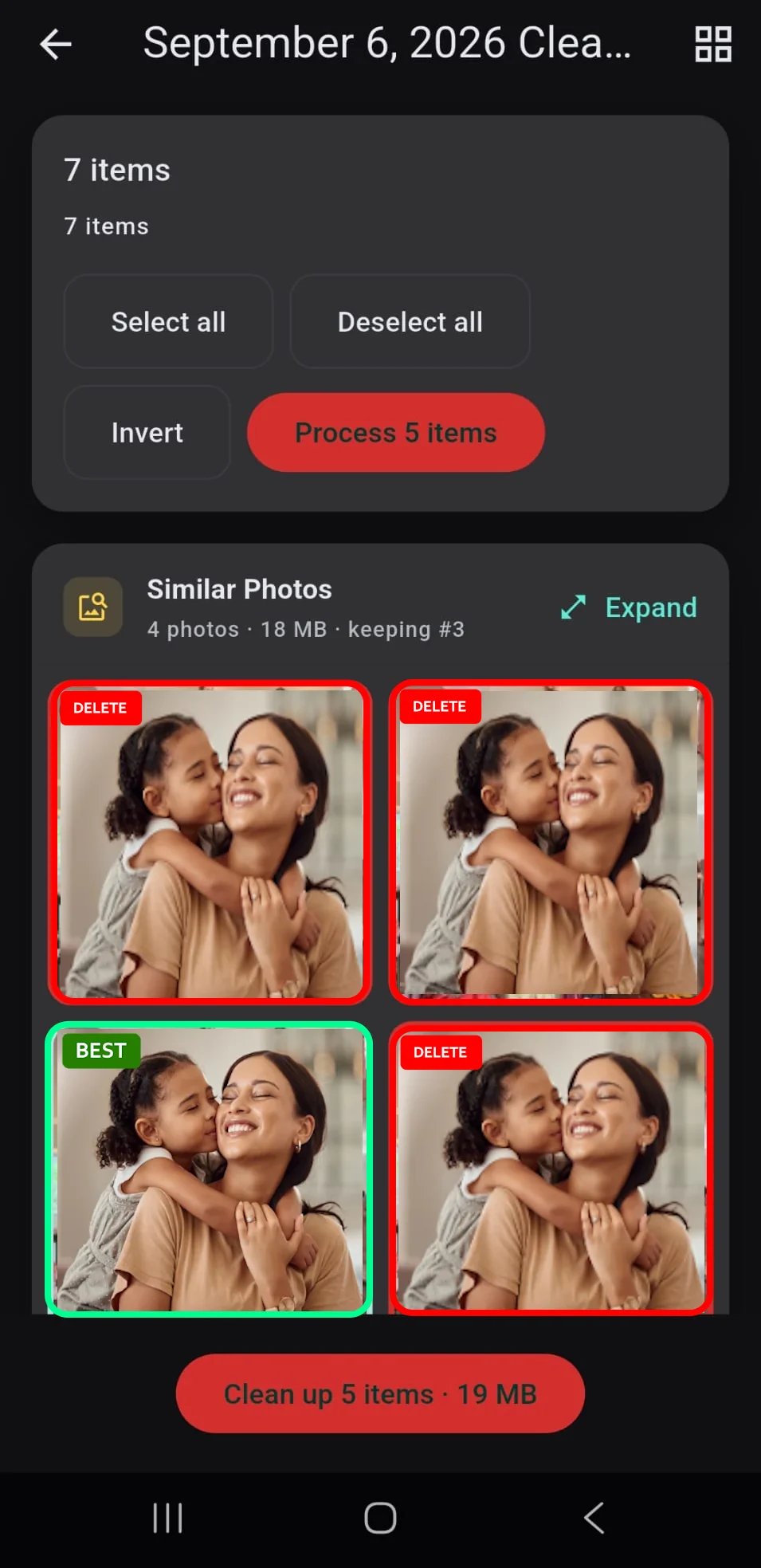
Keep the best shot, bin the rest
That date opens as a review. Similar photos are grouped — Purgli marks a BEST keep and the rest DELETE. Tweak the selection, then Clean up. Items go to the 30-day Recycle Bin, not gone for good. Browsing the heatmap is free; cleaning similar photos is Pro.
Try Clutter at a Glance on your phone
Clutter at a Glance runs entirely on your device — no document or photo ever leaves your phone.
Coming soon on theApp StoreMore from Purgli
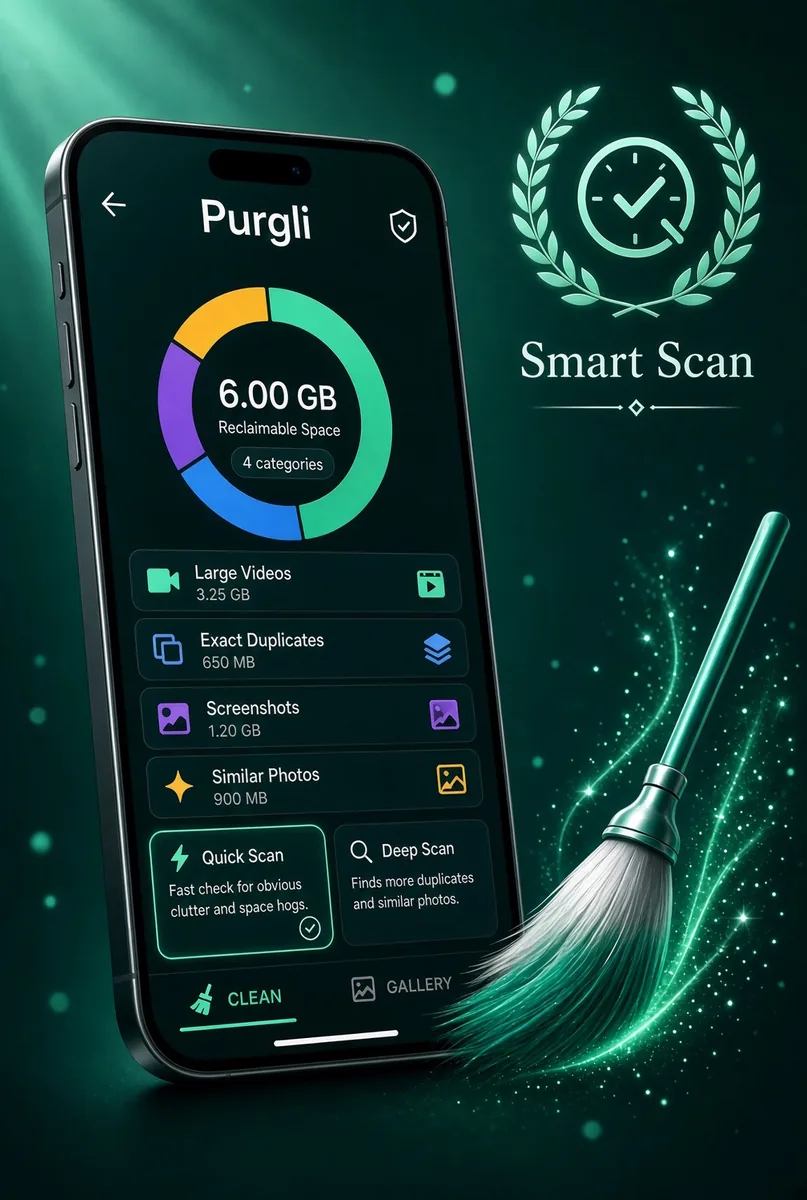
Smart Scan
Finds duplicates, blur, and clutter in seconds — all on this device.
See how it works→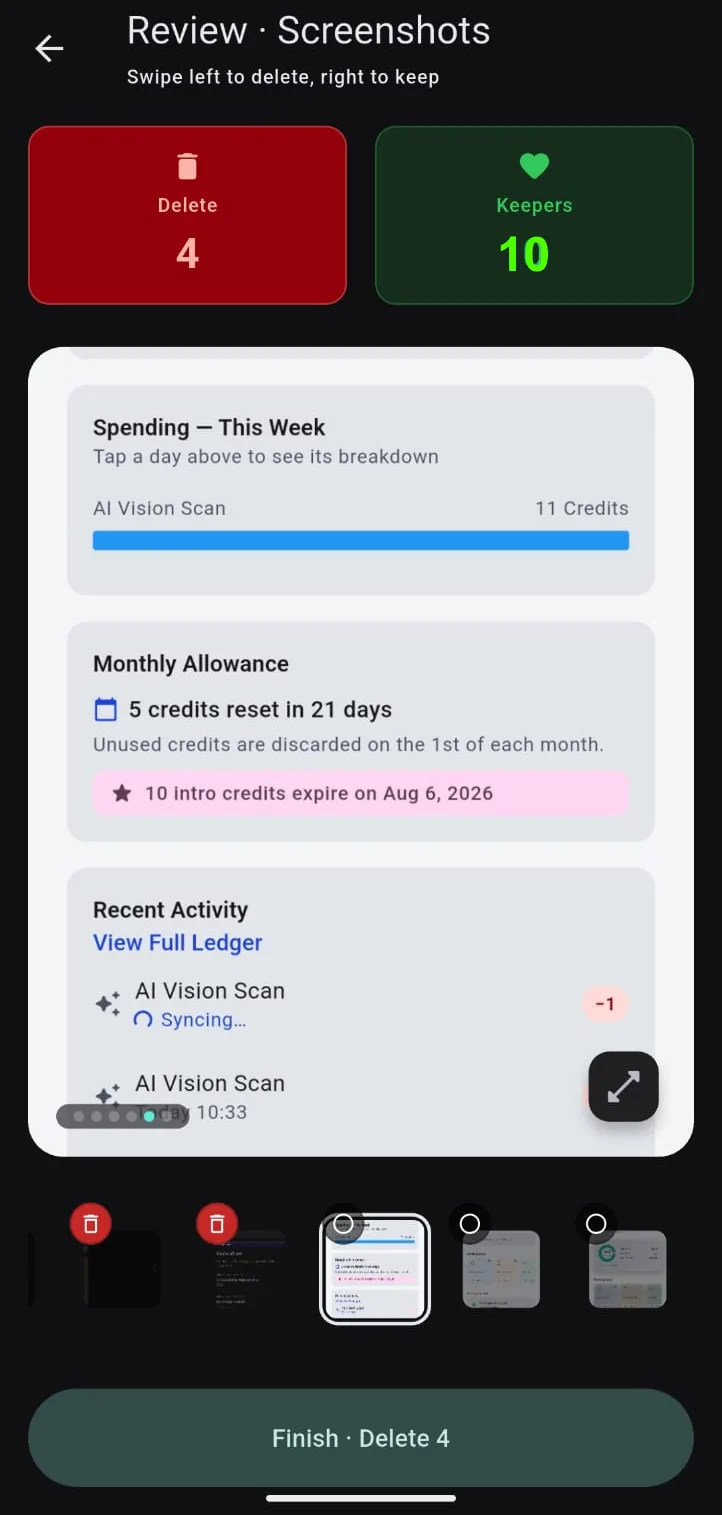
Swipe to Clean
Flick through clutter one photo at a time — keep or bin it, undo anytime.
See how it works→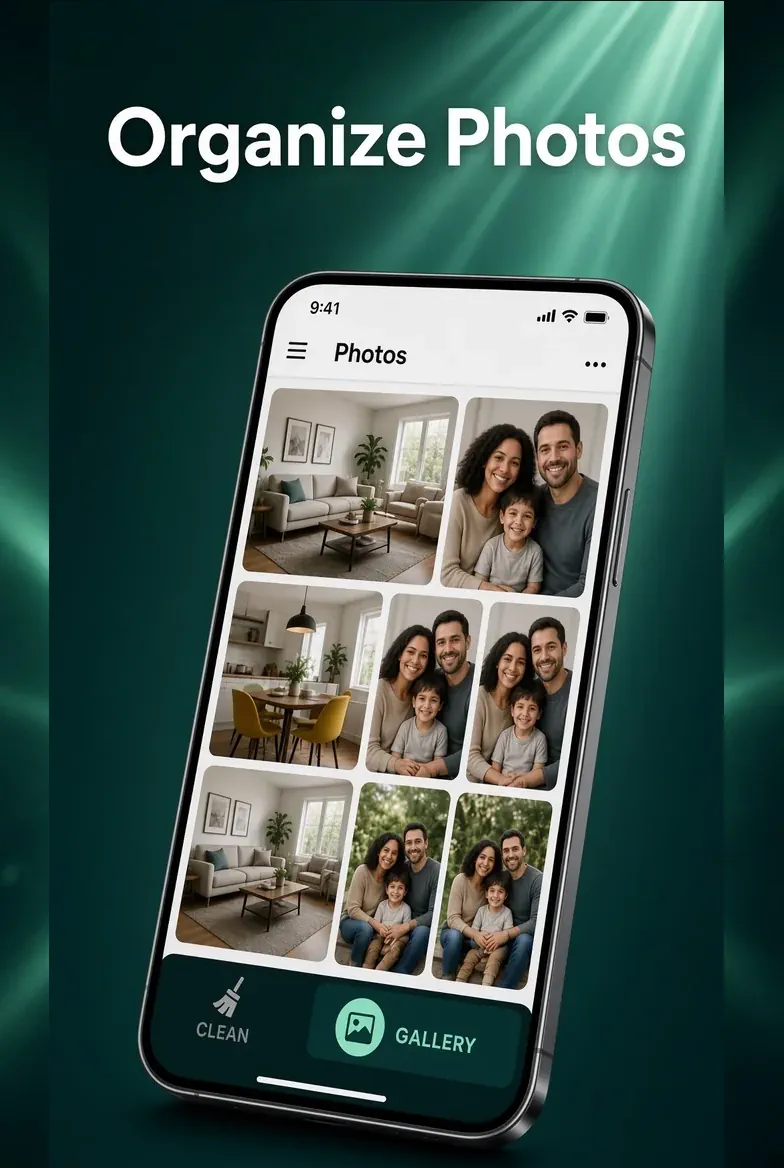
Your Library, Sorted
Sort your whole library into clean, browsable albums.
See how it works→