
Purgli is here
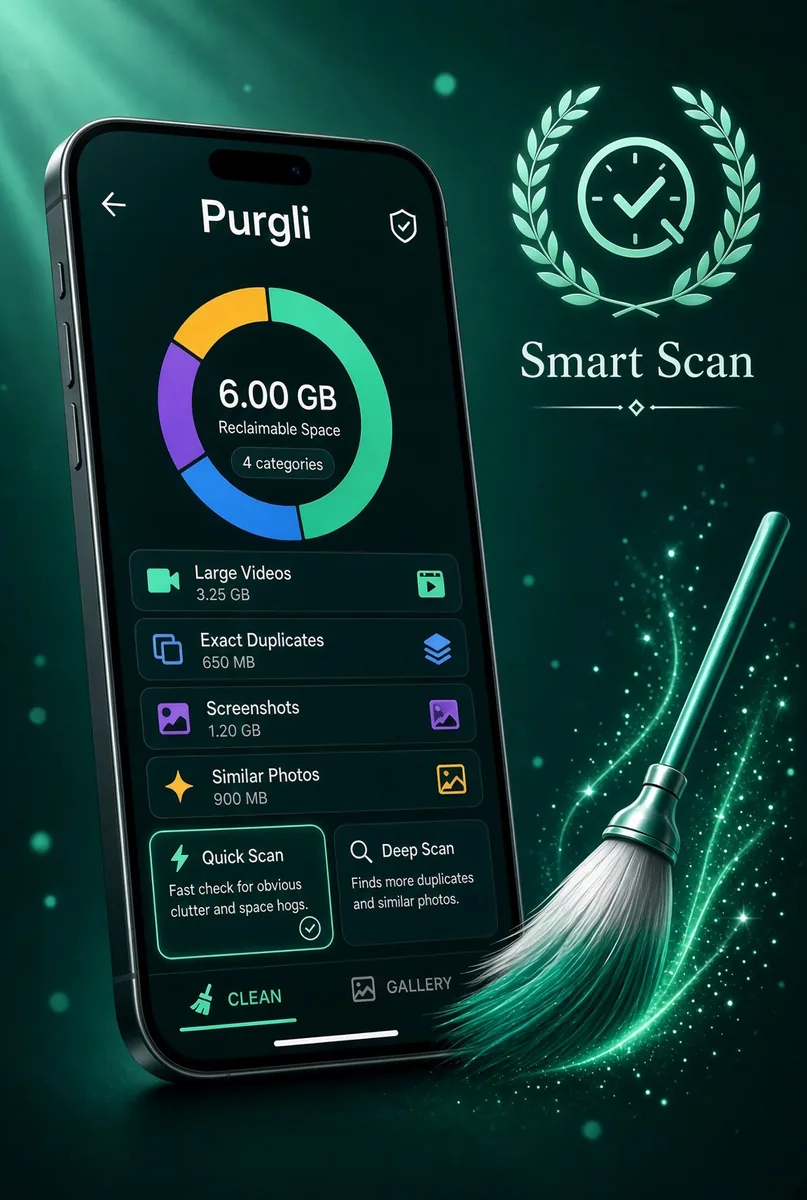
Purgli launches as an on-device photo cleaner and studio. Scan the library, review clutter, and keep a 30-day Recycle Bin — without sending a photo anywhere.
Smart Scan, on this phone
Purgli reads your library on-device and finds exact duplicates, similar shots, blur, bursts, screenshots, memes, documents, and chat media. Scanning and browsing stay free. Nothing is uploaded.
How Smart Scan works→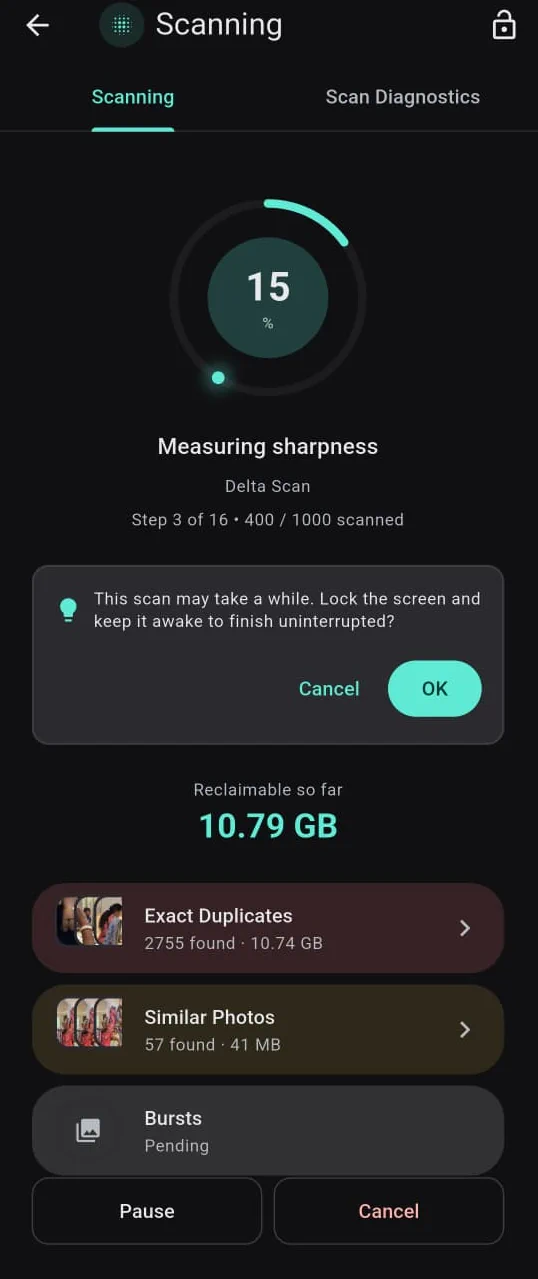
Review your way
Swipe one photo at a time, or work a grid in bulk. Exact duplicates, screenshots, large videos, and WhatsApp/SMS media are free to clean. Advanced categories open review or Pro.
Swipe to Clean→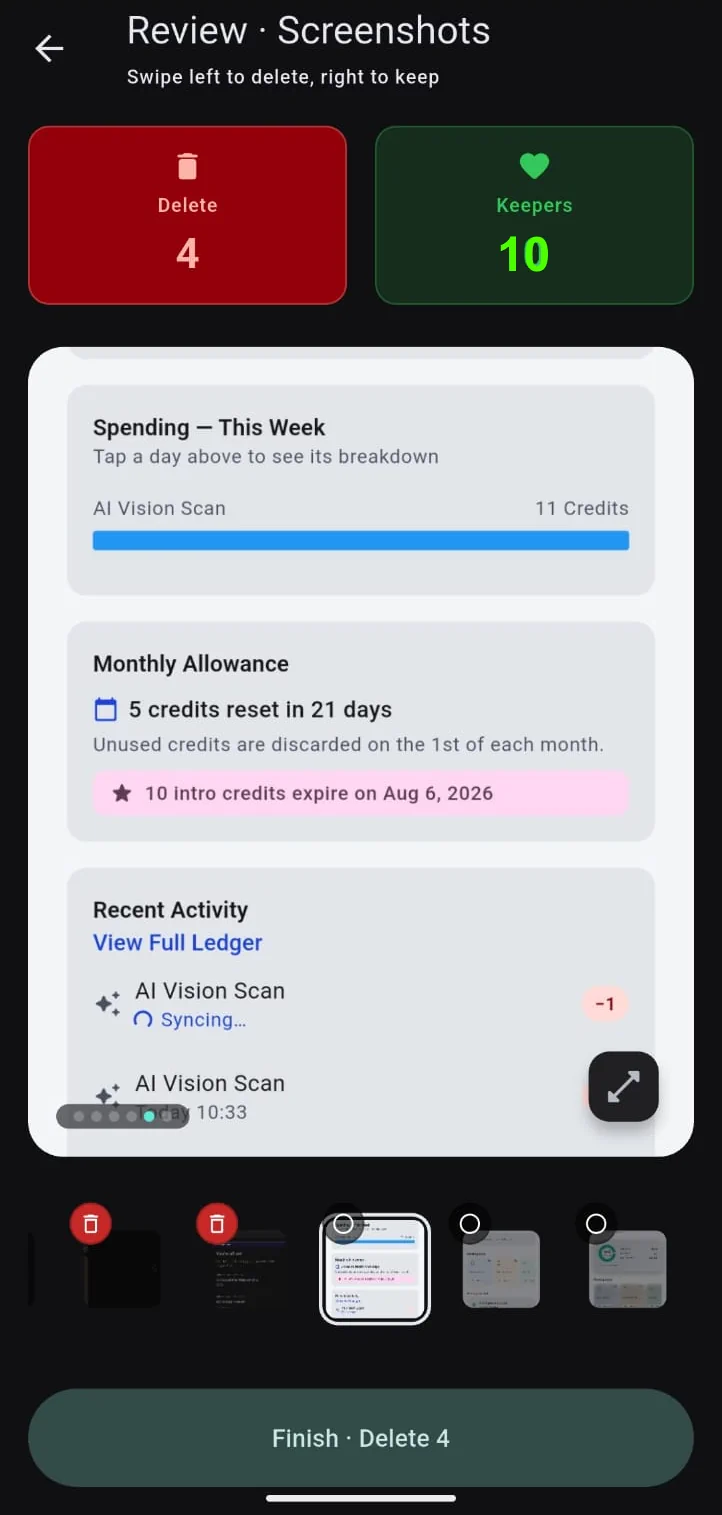
A 30-day second chance
Nothing is gone on tap. Cleaned items rest in the Recycle Bin for 30 days, so you can restore anything you second-guess.
Recycle Bin→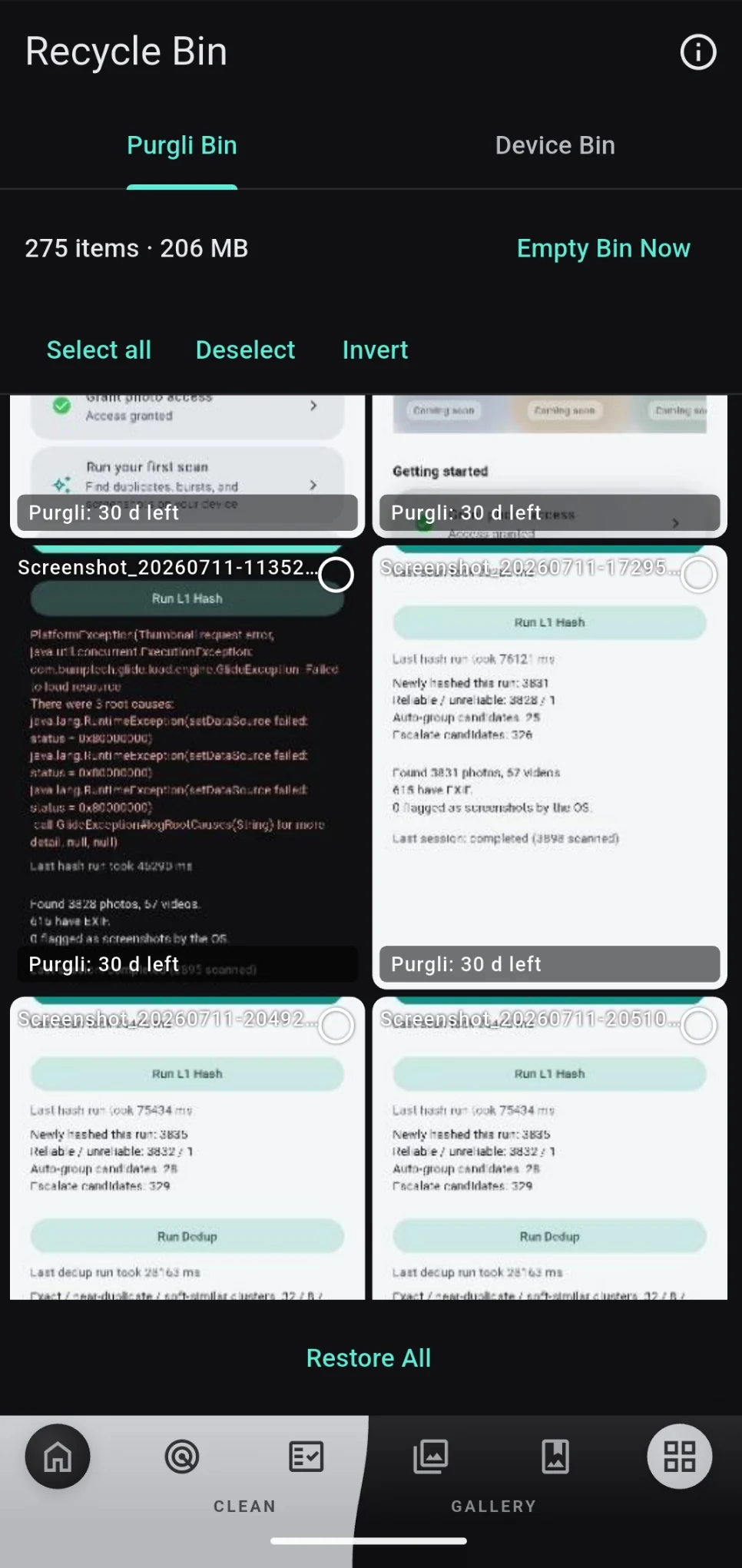
Studio tools, still local
After you clean, polish keepers on the same phone — headshots, passport photos, photo books, and Scan to PDF. Preview is open; some saves are Pro.
Explore features→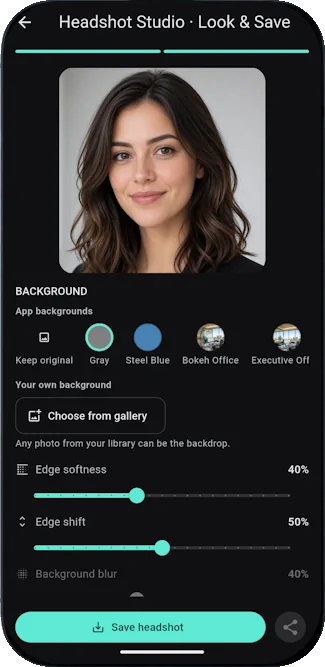
Also in this release
- ✓Hide private shots in the Vault (adding is Pro; opening and unvaulting stay free).
- ✓Works fully as a guest — no account required to scan or clean free categories.
- ✓Optional sign-in keeps Pro across a reinstall.
