
WhatsApp cleanup, sharing, and a daily tidy
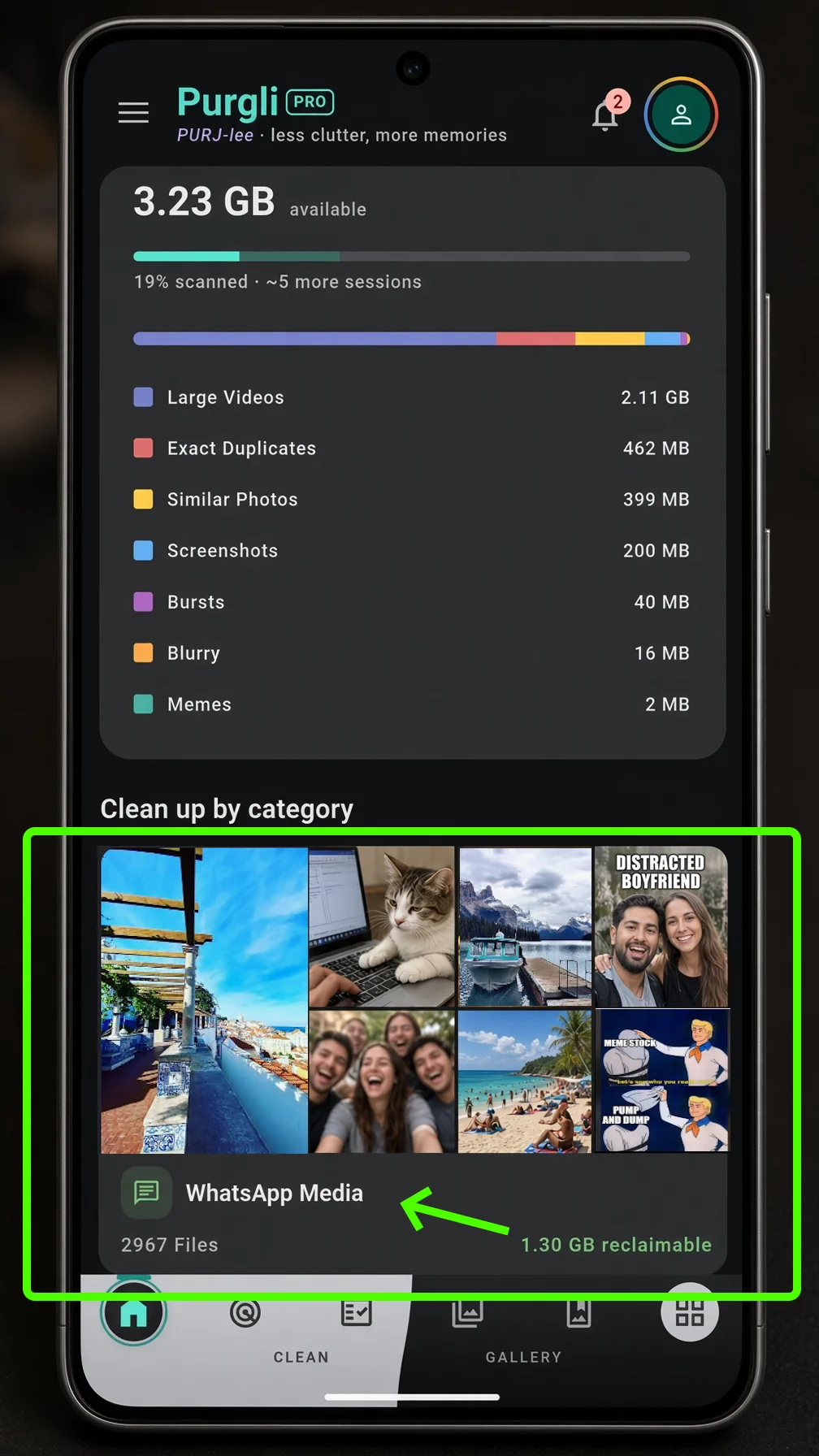
This release is about keeping the library from filling back up after you clean it. WhatsApp folders, a share-in path from other apps, and a small daily tidy — every pass still runs on this phone.
WhatsApp Cleanup Hub
WhatsApp saves photos and videos into its own folders, separate from Camera. The new hub lets you browse them by time, filter videos, select a whole row, and move or delete. Your chats stay untouched. Free on Android.
How WhatsApp cleanup works→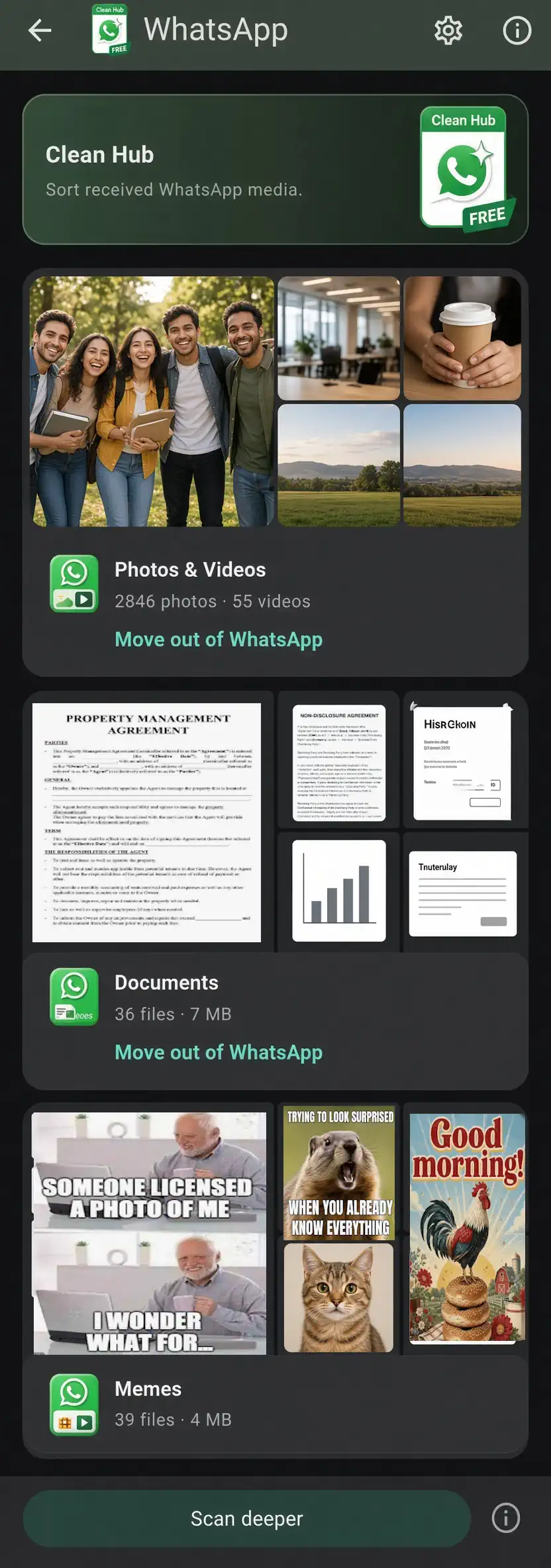
Share into Purgli
Send a photo or video from another app with the system share sheet. Purgli opens a preview so you can file it, without uploading anything.
Today's Tidy
A Home card and gentle reminders suggest a small cleanup each day, so the library does not pile up again after you have already cleared it.
Quicker albums
Create an album from Home in one tap, then pick photos to add. Less tapping between “I want this grouped” and an album you can actually open.
Your library, sorted→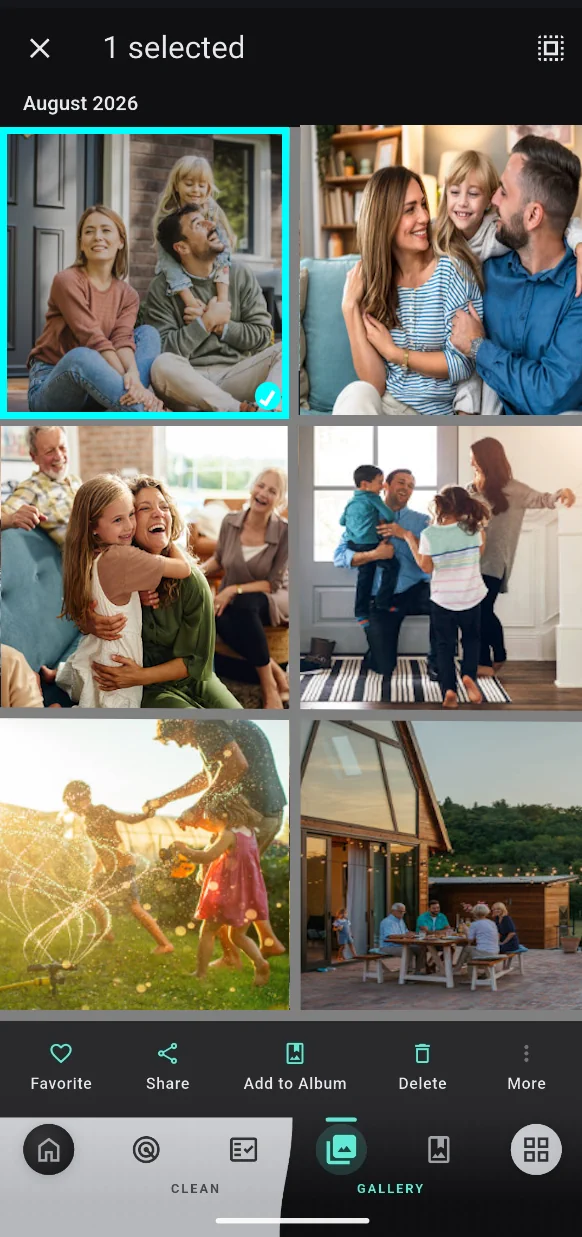
Also in this release
- ✓Sharper document, meme, and face-quality detection when you run a scan.
- ✓Smoother scanning and review on Android.
- ✓Recycle Bin and category review hold their place more reliably.
